
How does the Internet Work?
A Beginner-Friendly Breakdown

We use the internet in our day-to-day lives, whether it is to make a simple Google search, to watch a movie, or even to read this blog post. But have you ever wondered what happens behind the scenes when the user clicks the search button on Google? To understand this, one must know what the internet is. According to TechTarget.com, the internet is “a worldwide system of interconnected computer networks and electronic devices that communicate with each other using an established set of protocols.” What this essentially means is that the internet is a global network created by billions of devices around the world that help allow for communication and sharing of information to be faster. This system uses a set of protocols that ensure the safety and functionality of the information being shared. It is important to note that the internet is not one singular thing, but a collection of interconnected devices such as servers, cables, and routers. This article further goes into what makes up the internet’s hardware, language, and the user’s experience.
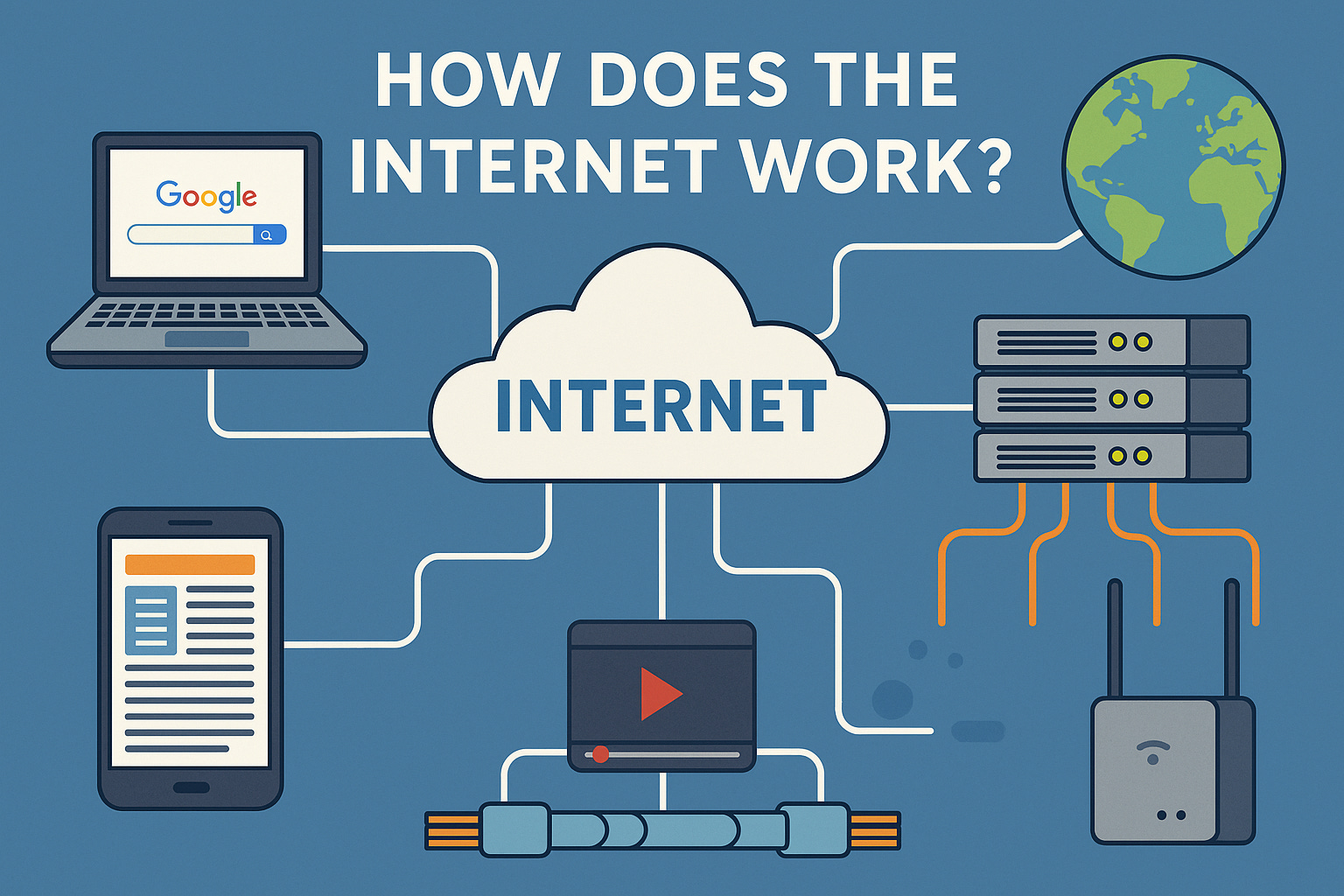
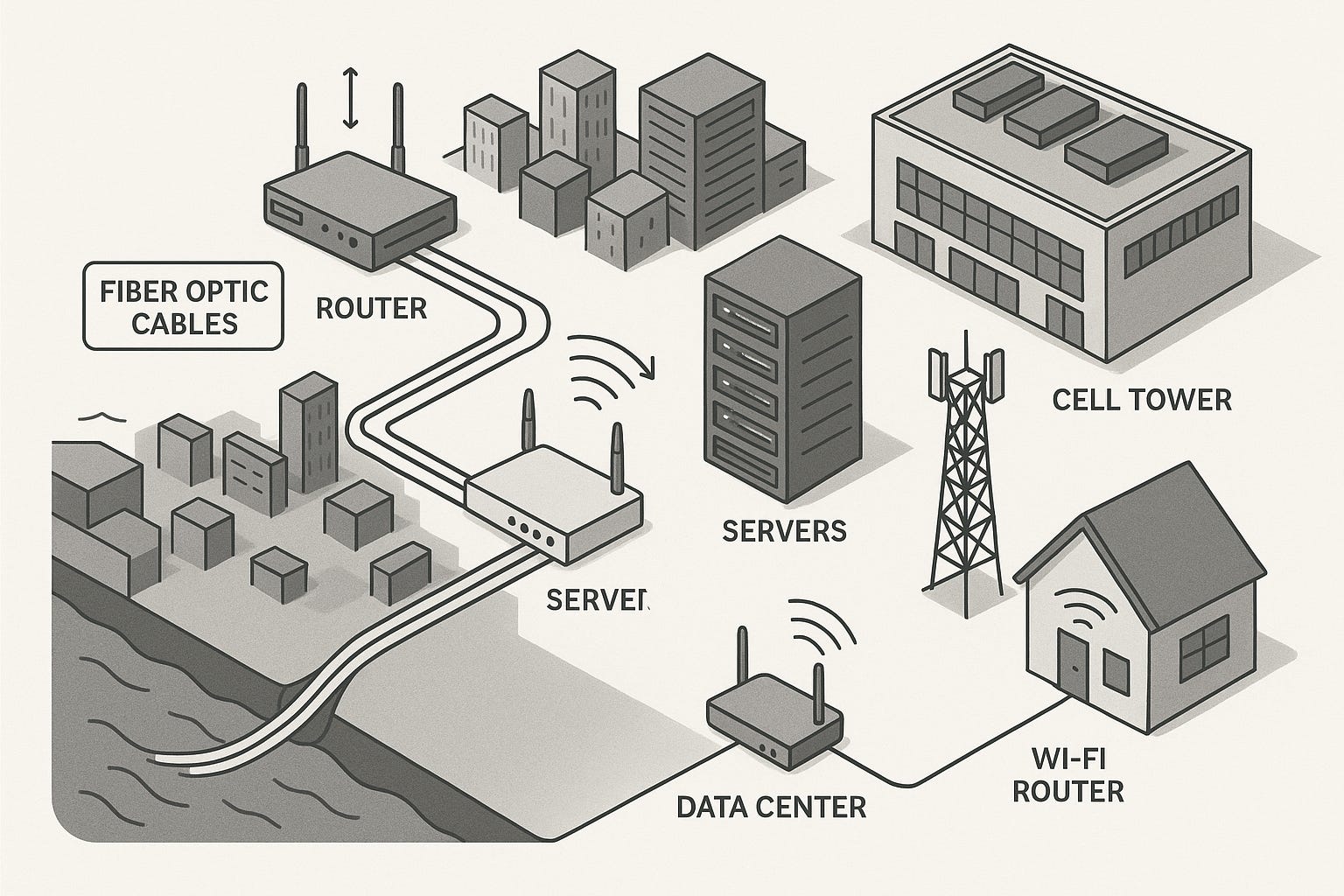
For the internet to function, it relies on a wide range of physical infrastructure such as data centers, fiber optic cables, servers, routers, and more. These components work alongside software and protocols to form a global network that connects devices worldwide. Building and maintaining this hardware is extremely expensive due to its scale. For example, AWS (Amazon Web Services), the world’s largest data center provider, operates facilities that are over a million square feet in size. Much of this infrastructure can be understood using simple analogies. Fiber optic cables, often called the internet’s highways, are important. These cables run underground in cities, neighborhoods and even across the ocean floor. Underwater cables carry over 99% of all international internet traffic. As data travels along these cables, it passes through devices like routers, switches, and modems that act as digital traffic controllers. Routers choose the best path for the data, switches manage local traffic, and modems connect homes to Internet Service Providers. Next are servers (powerful computers that store and deliver data) and the data centers that house them. These can be compared to massive warehouses constantly working to respond to user requests around the world. Finally, there are wireless systems, which play a crucial role in the last stage of delivery. Wi-Fi routers inside homes and cell towers outdoors transmit signals that connect personal devices to the global internet. Operating and expanding this infrastructure is costly. For instance, the U.S. government has invested over $65 billion in broadband expansion to ensure wider, faster internet access across the country.
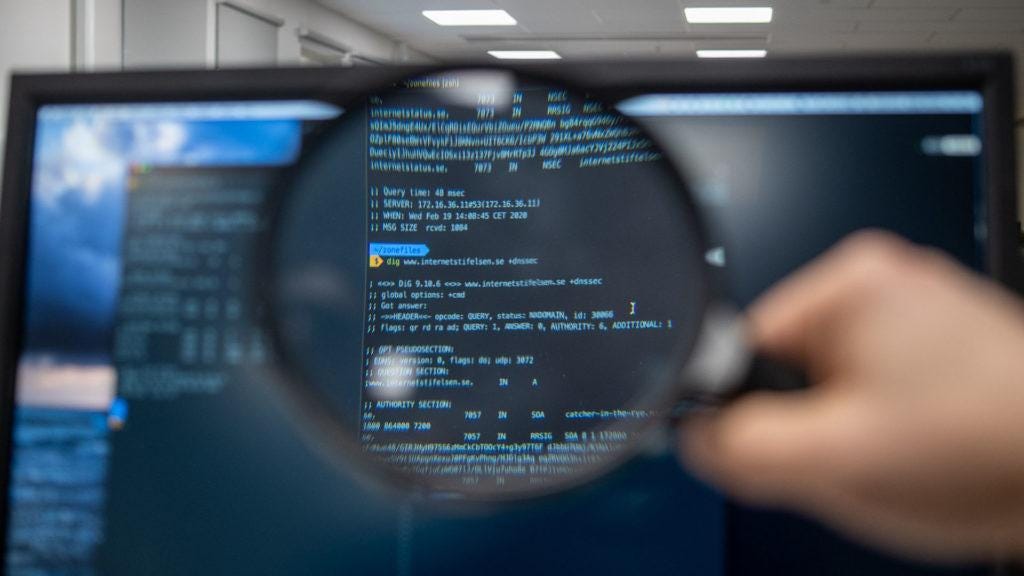
Just like in human language there is a system of grammar and proper format in place, the same applies for computers and the internet. These sets of rules are called protocols that the computer and the internet have to follow. According to Lenovo, a protocol is “a set of rules that govern how data is transmitted and received in a network. Protocols ensure that devices on a network can communicate with each other effectively and accurately.” In short a protocol is a set of standardized rules that help computers send, receive, and understand data. It is protocols that allow for there to be consistency, accuracy, and efficiency across billions of devices. This paragraph goes over three key protocols: IP, DNS, TCP, and HTTP/HTTPS. IP which stands for Internet Protocol, every device on the internet has an IP address. IP addresses could be thought of as digital home addresses. For example, when you mail a letter, you need to know the recipient’s street address. Similarly, to send data across the internet, a device needs the correct IP address to know where to transport the information. Next is the DNS which stands for Domain Name System. DNS converts IP addresses to human-friendly domain names. For example, without domains the user would have to type in something like 142.250.190.36 but DNS allows for the user to just type google.com and have access to the same page. Think of DNS as the Internet’s phone book as the complex number IP addresses are simplified and give human friendly names similar to a phone book. There is also TCP which stands for Transmission Control Protocol. The TCP breaks data into packets and sends them to the right address, and reassembles them correctly. This protocol ensures reliability and error-checking as it confirms all pieces arrive, if they don’t it requests a resend. Lastly there is the HTTP/HTTPS which are the Hypertext Transfer Protocol. This protocol is used to request and receive web pages. When you load a website, your browser uses HTTP(S) to “ask” the web server for the page contents. These are just protocols that serve as a set of rules for the data transportation but how does data actually move? Data is broken into small chunks called packets. Each packet contains the sender and the receiver’s IP addresses, sequence number (to reorder correctly after the data reaches its destination) and the actual data which in scientific terms is referred to as payload. The route the packets take depends on the traffic on a certain path, due to this packets don’t always travel through the same route or the shortest route (according to distance). When the data reaches its destination the TCP and HTTP/HTTPS protocols do their work to move the packet forward. Without this shared language through protocols, the global Internet would be a chaotic mess of disconnected machines.
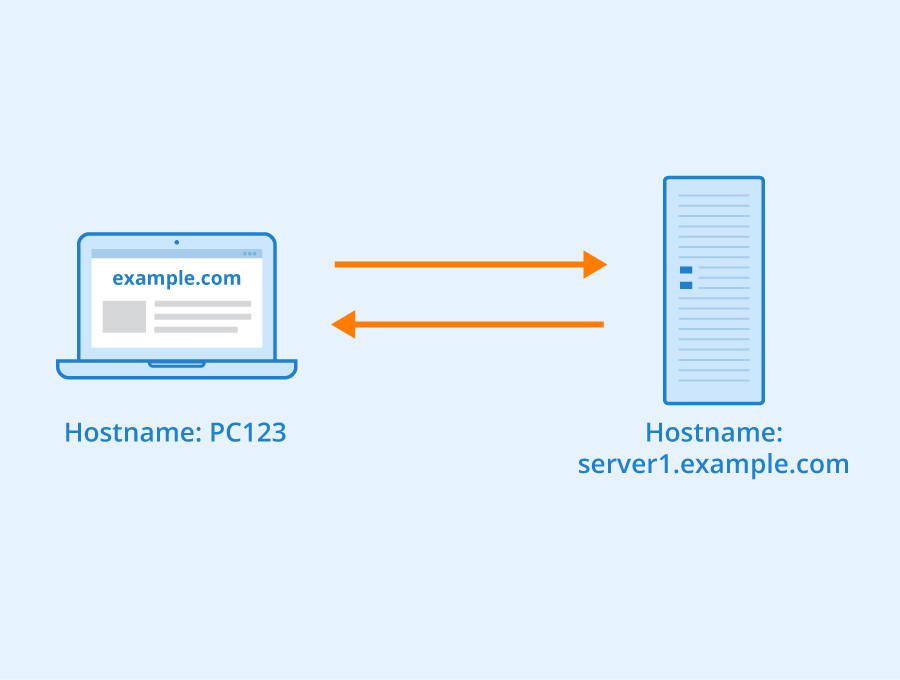
Here is an example of what happens when the user tries to access the YouTube homepage. When you type www.youtube.com and press Enter, your device first contacts a DNS server to find the IP address linked to that web address (like a person would in a contact book). Once found, the request travels through your router, then to your Internet Service Provider (ISP), and across multiple global networks to reach a YouTube server that is operating at a data center. The server sends back data (split into small packets) that travel back to your device. These packets may take different paths but are reassembled in the correct order by your device using TCP/IP protocols. Your browser then displays the homepage, complete with videos and links. The astonishing part about this is that all of this happens in milliseconds. To make it faster and more secure, systems like CDNs (which store content closer to you) and HTTPS encryption are used. Behind the scenes, this system of hardware infrastructure combined with software and protocols allow for this complex yet smooth process to occur, allowing you to use the internet to its fullest potential.
In conclusion, the Internet may seem invisible, but it’s powered by a vast network of cables, devices, and protocols working together seamlessly. Every click, search, or message relies on this global system. Understanding how it works helps us better appreciate the speed, complexity, and reliability behind our everyday online experiences.
Citations:
“How the Internet Works.” Level, 7 Apr. 2025, learnlevel.org/guides/how-the-internet-works/?gad_source=1&gad_campaignid=22560392611&gbraid=0AAAAACT44o7M4cFNt6xbN8pa6qhya7Zfp&gclid=CjwKCAjw4K3DBhBqEiwAYtG_9CoA5Op2KHayIrbXOBishHDPPEISrc5pmKP-xWHcLSUoO6B8qyxUJBoCYbMQAvD_BwE.
MozDevNet. “How Does the Internet Work? - Learn Web Development: MDN.” MDN Web Docs, developer.mozilla.org/en-US/docs/Learn_web_development/Howto/Web_mechanics/How_does_the_Internet_work. Accessed 7 July 2025.
“Internet : What Is the Internet?: How Does the Internet Work.” Internet : What Is the Internet? | How Does the Internet Work | Lenovo US, www.lenovo.com/us/en/glossary/what-is-internet/?orgRef=https%253A%252F%252Fwww.google.com%252F&srsltid=AfmBOoo7yBme5WbamdjIbB3a_0708yVYR9Li96WW5gvKnZ4YIvdIBAFT. Accessed 7 July 2025.
Tyson, Jeff, and Chris Pollette. “How Internet Infrastructure Works.” HowStuffWorks, HowStuffWorks, 3 Apr. 2001, computer.howstuffworks.com/internet/basics/internet-infrastructure.htm.
Flinders, Mesh, and Ian Smalley. “What Is Network Infrastructure?” IBM, 16 Apr. 2025, www.ibm.com/think/topics/network-infrastructure.
Internet Infrastructure: Definition and Components | Nordvpn, nordvpn.com/blog/internet-infrastructure/. Accessed 8 July 2025.
What Is the Network Layer? | Network vs. Internet Layer | Cloudflare, www.cloudflare.com/learning/network-layer/what-is-the-network-layer/. Accessed 8 July 2025.
“Types of Internet Protocols.” GeeksforGeeks, GeeksforGeeks, 12 June 2025, www.geeksforgeeks.org/computer-science-fundamentals/types-of-internet-protocols/.
“Efficiently and Securely Handling User Data in the Backend Is Essential for Delivering Fast, Reliable, and Safe User Experiences. the Backend Architecture Must Expertly Balance Performance Optimization with Stringent Security Measures to Protect Sensitive Information from Threats like Data Breaches, Unauthorized Access, and Cyberattacks. This Comprehensive Guide Explains How Modern Backend Systems Manage User Data to Achieve These Dual Objectives, Covering Database Design, Secure Communication, Authentication, Encryption, Architecture Patterns, and Continuous Monitoring.” Zigpoll, www.zigpoll.com/content/could-you-explain-how-the-backend-handles-user-data-to-ensure-both-fast-performance-and-high-security. Accessed 7 July 2025.
“Efficiently and Securely Handling User Data in the Backend Is Essential for Delivering Fast, Reliable, and Safe User Experiences. the Backend Architecture Must Expertly Balance Performance Optimization with Stringent Security Measures to Protect Sensitive Information from Threats like Data Breaches, Unauthorized Access, and Cyberattacks. This Comprehensive Guide Explains How Modern Backend Systems Manage User Data to Achieve These Dual Objectives, Covering Database Design, Secure Communication, Authentication, Encryption, Architecture Patterns, and Continuous Monitoring.” Zigpoll, www.zigpoll.com/content/could-you-explain-how-the-backend-handles-user-data-to-ensure-both-fast-performance-and-high-security. Accessed 7 July 2025.
Shuler, Rus. How Does the Internet Work?, web.stanford.edu/class/msande91si/www-spr04/readings/week1/InternetWhitepaper.htm. Accessed 7 July 2025.